
Best website design examples, and what they get right for Dubai and UAE businesses
What well known sites such as GOV.UK, u.ae, RTA, Apple and Stripe get right, and how to turn those qualities into a brief.
Read the articleWeb Services
A practical guide to breadcrumb trails for UAE websites: which sites need them, the design details that matter, right to left order on Arabic pages, accessible markup and BreadcrumbList structured data.
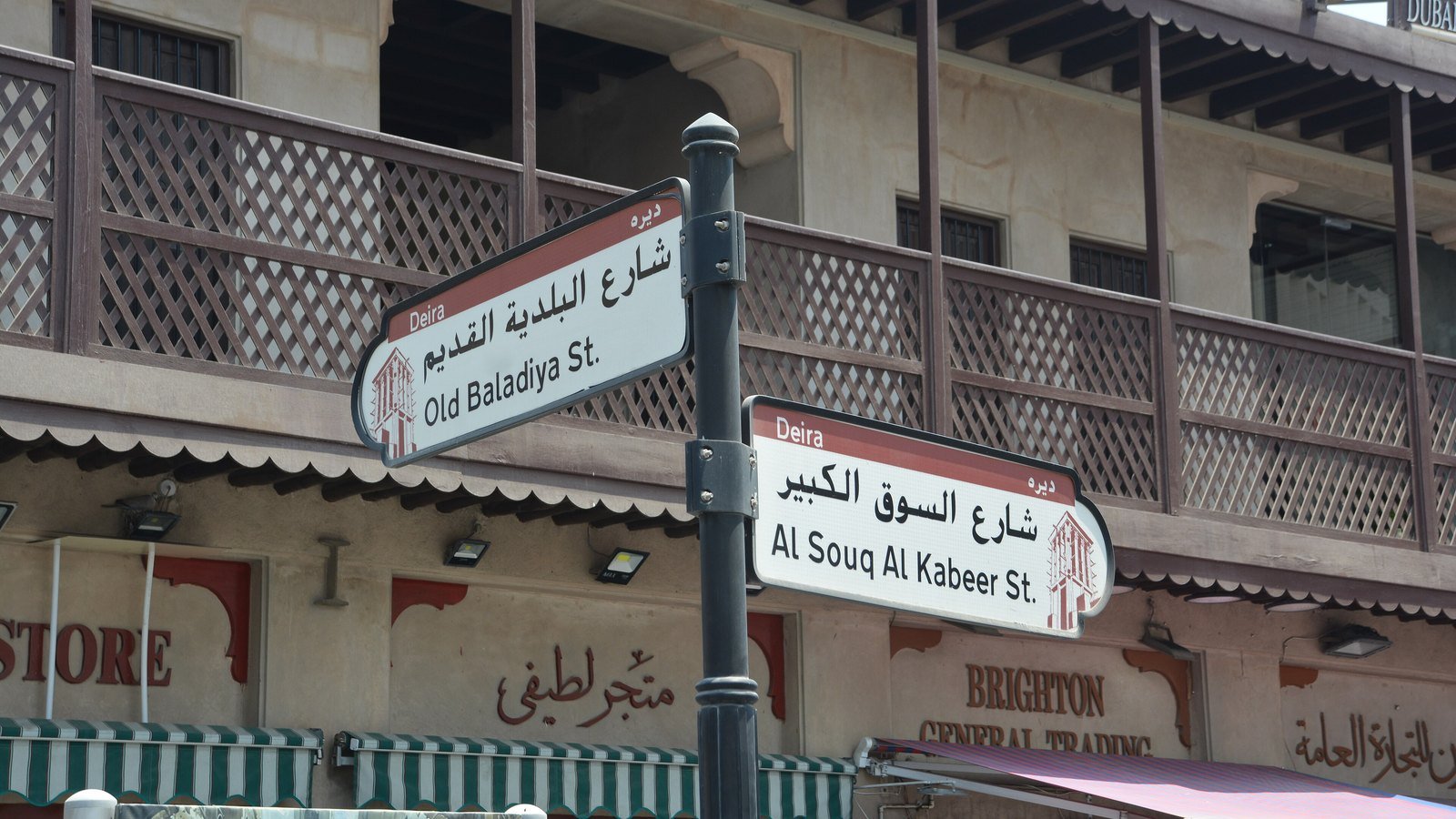
In breadcrumbs website design, the short answer is that a trail is worth adding when your site has at least three levels of hierarchy and visitors often land deep inside it from search or ads. It is not worth adding to a flat company site of a dozen pages or to a single page landing site. For businesses in Dubai and across the UAE, the work that matters most is getting the current page, mobile behaviour, Arabic right to left order and the markup right.
Breadcrumbs touch navigation, accessibility and search at once, so website design teams often get them half right. This guide covers when to use one, which kind to build, the visual details and the code standards behind it, as of October 2026.
Key points
aria-current="page" on the current page link.A breadcrumb trail answers two questions for a new arrival: where am I, and what is one level up? That matters most when people skip your homepage. A shopper who lands on a product page from Google Shopping, or a patient who reaches a treatment page from a search ad, has no menu history to rely on. The trail gives them the parent category in one tap.
Nielsen Norman Group’s guidance frames breadcrumbs as a way of showing the hierarchical structure of a site, and that is the test to apply. If your hierarchy is real and has depth, breadcrumbs earn their space. Typical cases on UAE sites include:
In breadcrumbs website design, the trail is also a signal to your own team. If you cannot write a sensible trail for a page, the page probably sits in the wrong place in the sitemap, which is worth fixing before launch.
Nielsen Norman Group is direct that flat sites with only one or two levels gain little from a trail, and that linear sites have no need for one. A trail of “Home, About” duplicates the main menu and adds clutter. Typical examples are a twelve page corporate site, a one page event site, a booking flow and a checkout.
Checkouts and multi step forms deserve a special mention. A step indicator showing “Details, Delivery, Payment” looks similar to a breadcrumb but is a different component with a different job: it shows progress through a task, not position in a hierarchy. Mixing the two confuses people and screen reader users alike, so design and label them separately.
Paid campaign landing pages are another case: a trail inviting the visitor back to the homepage works against a page built for one offer, so good breadcrumbs website design leaves it off there.
There are three kinds of trail, and only one of them suits most business sites.
| Type | What it shows | Where it fits |
|---|---|---|
| Location | The page’s fixed place in the site hierarchy | Almost every site that needs a trail. The safe default. |
| Path (history) | The pages this visitor clicked through in this session | Rarely anywhere. The browser back button already does this job. |
| Attribute | The filters or properties that describe the current view, such as size or brand | Large catalogues and listing sites, usually alongside a location trail. |
Path breadcrumbs sound helpful in website design but fail in practice. Nielsen Norman Group notes that a history trail becomes long and confusing and does nothing for someone who arrived on a deep page from an external link, which describes most search visitors. Location trails stay the same for every visitor.
Attribute trails belong to filtering: on a property portal, “Dubai Marina, 2 bedrooms, Furnished” is better shown as removable filter tags above the results. When a product sits in two categories, pick one primary category for the visible trail so the trail does not change depending on how someone browsed.
Most of the quality in breadcrumbs website design sits in a handful of small decisions that are easy to skip in a design file and hard to fix after build.
Nielsen Norman Group says either “>” or “/” is acceptable and that there is no functional difference, with a slight preference for the arrow because it implies direction. Whatever you choose, use it consistently and keep it visually lighter than the links. The W3C example draws its separators with CSS rather than typing them as text, so screen readers do not announce “greater than” between every item.
In breadcrumbs website design the current page is the last item. Make it plain text rather than a link and style it differently, for example in the body text colour while the links take the brand link colour. A link to the page you are already on does nothing, and Nielsen Norman Group’s guidance is never to have a link that does nothing. Keep the label close to the page’s H1, shortened if the heading is long.
Place the trail above the H1, below the main header, aligned to the content column. It should be visible but quiet: smaller than body text, never louder than the heading. The links still need room to tap. WCAG 2.2 Success Criterion 2.5.8 sets a minimum pointer target of 24 by 24 CSS pixels, or enough spacing between smaller targets, and a breadcrumb row on a phone is exactly where that is usually broken.
A five level trail will not fit a phone screen on one line, and a trail that wraps onto three lines pushes the content down. Nielsen Norman Group suggests showing only the last level or two on mobile, while always showing the full trail on desktop. In practice that means one of three patterns: a single “back to parent” link with a leading arrow, the last two levels with the earlier ones collapsed behind an ellipsis button, or a trail that scrolls sideways within its own row. The first is the simplest.
Long Dubai community names and bilingual service titles make this harder, so agree a maximum label length for breadcrumbs in the website design system.
On an Arabic page the whole trail reverses. Home sits at the far right, the current page at the far left, and the eye reads from right to left exactly as it does in the text. If the page is set up correctly with dir="rtl" on the html element, an ordered list of breadcrumb links will flow in that direction without extra work. MDN recommends using the HTML dir attribute rather than the CSS direction property for this, and that advice matters here because the list order should follow the document, not a styling override.
The separators are where Arabic breadcrumbs usually break. An arrow drawn as an SVG icon or a CSS background image does not flip itself, so on the Arabic version it still points right, towards the parent, which reads backwards. Flip directional icons in the right to left stylesheet, or draw the separator with CSS logical properties so it follows the text direction. A neutral slash avoids the issue entirely, which is one reason some bilingual sites choose it.
Check three more things on bilingual breadcrumbs website design:
Our guide to building an Arabic and English website covers the wider right to left layout system that the trail sits inside.
The W3C WAI ARIA Authoring Practices Guide sets out a short breadcrumb pattern. The trail sits inside a navigation landmark, the landmark is labelled with aria-label or aria-labelledby, and the link to the current page carries aria-current="page". If the current page is shown as plain text rather than a link, the guide says aria-current is optional. Its worked example structures the links as an ordered list inside a nav element labelled “Breadcrumb”.
A minimal version looks like this:
<nav aria-label="Breadcrumb">
  <ol>
    <li><a href="#home">Home</a></li>
    <li><a href="#abayas">Abayas</a></li>
    <li><a href="#linen" aria-current="page">Linen abaya</a></li>
  </ol>
</nav>
On Arabic pages, translate the aria-label too, so accessible breadcrumbs website design works for screen reader users in both languages. For the wider checks that sit around this component, see our website accessibility guide for UAE businesses.
Visible breadcrumbs help people. In website design for search, BreadcrumbList structured data tells Google about the same trail in a form it can read reliably. Google’s breadcrumb documentation says a BreadcrumbList needs at least two ListItems, each with a position starting at 1 for the beginning of the trail, a name shown to users and an item URL. The URL can be left off the last item, in which case Google uses the URL of the page itself.
Three details from Google’s guidance are worth building into your template rather than handling page by page:
How Google displays the trail changed in 2025. In a Search Central post dated 23 January 2025, Google said it would stop showing breadcrumbs in mobile search results in all languages and regions, because they get cut off on smaller screens. On mobile the visible URL now shows the domain only, while desktop results continue to show the domain and breadcrumb. Google said site owners using breadcrumb markup need do nothing, and the breadcrumb report in Search Console and the Rich Results Test continue. As of October 2026, its breadcrumb documentation still describes the feature as available on desktop.
So the search benefit is now a desktop one, while the navigation benefit applies everywhere. That is a good reason to judge breadcrumbs website design on how it helps visitors first. Where structured data sits in a wider audit, our technical SEO service covers validation and Search Console monitoring.
Breadcrumbs in website design are decided when the sitemap and page templates are drawn, so we treat them as part of the information architecture rather than a widget added later. Our web design team plans the hierarchy and the trail together, our UI UX design work tests navigation patterns like this on real devices, and for online shops the trail ties into category structure through ecommerce SEO.
Bilingual sites are built with proper right to left from the start, and you approve the full design before development begins. If you are reviewing an existing site, a written fixed price proposal usually follows within 45 minutes during business hours.
Straight answers
Google's breadcrumb documentation does not present breadcrumbs as a ranking factor. It says breadcrumb markup helps it understand and categorise a page's place in the site, and the trail adds internal links to parent pages. Treat breadcrumbs as a navigation and clarity improvement with a search benefit, not as a ranking tactic.
Most visible trails start with Home because visitors expect a way back to the start. In the structured data, Google says a ListItem for the domain or top level path is not required, so the markup can begin at the first category if that suits your templates.
Many themes and SEO plugins can output both the visible trail and the matching structured data. Check that the output uses a labelled nav landmark, marks the current page, and translates correctly on Arabic pages, because default settings often miss at least one of these.
Usually Home, the blog index, the post's main category and then the post title, shortened if it is long. Pick one primary category per post so the trail stays the same however the reader arrived.
Google says breadcrumb markup can be tested in the Rich Results Test, and after launch the breadcrumb report in Search Console shows errors across the site. Also test the visible trail with a screen reader and on a small phone, in both languages.
Sources
Fixed price, in writing
Got it. Your quote is being written now.
In business hours you will have it within 45 minutes. Check your inbox for the confirmation.
Keep reading

What well known sites such as GOV.UK, u.ae, RTA, Apple and Stripe get right, and how to turn those qualities into a brief.
Read the article
Registrar, DNS and hosting are three separate things. Here is which ones a UAE business should hold, and what the .ae rules say.
Read the article
How to use white space on a Dubai website: reading rules, spacing scales, room around forms, Arabic pages and touch targets.
Read the article