
Best website design examples, and what they get right for Dubai and UAE businesses
What well known sites such as GOV.UK, u.ae, RTA, Apple and Stripe get right, and how to turn those qualities into a brief.
Read the articleWeb Services · Arabic
A genuine right to left build changes the direction attribute, the stylesheet logic, the typography, the forms and the URLs, not just the text. This page is the technical detail that tells a real Arabic build apart from an English site with the words swapped.
Most sites that claim to be bilingual in Dubai are an English site with a translation plugin switched on. The navigation flips, the text changes language, and from a glance it looks like Arabic website development has happened. Underneath, the phone numbers read backwards inside Arabic sentences, the arrows still point the wrong way, the form still validates against English error strings, and Google is indexing one thin, half finished page rather than two genuine ones. Arabic website development in Dubai done properly is a code level decision, not a language toggle, and this page sets out exactly what changes: direction, layout logic, typography, numerals, mixed content, forms, search indexing and the ongoing workflow that keeps two languages actually in step.
This page sits under our wider website development work, and it goes deeper than a general build brief into the specific mechanics of a right to left site. Where the Arabic writing itself is the question, our translation services page covers that work directly.
The foundation
Arabic website development starts with a single attribute that decides everything downstream from it. MDN’s documentation on the dir attribute describes it as the way an element declares its base text direction, and setting dir="rtl" on the html element, alongside lang="ar", is what tells the browser’s own bidirectional text algorithm how to order everything on the page, not just which way the layout should visually flip. This single attribute is doing real work: it governs how neutral characters such as punctuation and spaces get placed, how the browser lays out block level elements by default, and which edge of the screen becomes the starting point for text.
A site that only mirrors its CSS, flipping margins and floats with a stylesheet override, while leaving the underlying markup direction unset or inconsistent, is fighting the browser’s own text engine rather than working with it. That mismatch is usually where the small, hard to diagnose bugs in a supposedly bilingual site come from.
Layout logic
The layout mistake that shows up most often in Arabic website development is building the English site first with fixed left and right CSS, then writing a second, parallel set of rules to flip every one of them for Arabic. It works, technically, and it also means every future design change has to be made twice, correctly, in two directions, forever. MDN’s documentation on CSS logical properties explains the better approach directly: properties such as margin-inline-start or padding-inline-end describe a position relative to the flow of the text rather than a fixed physical side, so the same line of CSS produces the correct result in both directions automatically, once the container’s direction is set correctly.
Building on logical properties from the first line of CSS, rather than retrofitting them once an English only stylesheet already exists, is the single decision that most affects how much an Arabic version costs to maintain for the life of the site.
margin-inline-start / margin-inline-end instead of left and right marginspadding-inline-start / padding-inline-end instead of left and right paddinginset-inline-start / inset-inline-end instead of fixed left and right positioningtext-align: start / end instead of left and right alignmentborder-inline-start for a border that should sit on the leading edgeStyling by direction
Logical properties solve most of the problem. A smaller number of cases genuinely need a style rule that only applies in one direction, and there is a correct, purpose built way to write that.
| Approach | What it actually checks |
|---|---|
[dir="rtl"] attribute selector | Only matches an element that explicitly carries the dir attribute itself, and misses anything relying on inherited direction |
:dir(rtl) pseudo-class | According to MDN’s documentation, matches an element’s actual computed direction, including direction inherited from a parent or set through dir="auto", which is what a component actually renders as |
The practical difference matters on a component built once and reused inside both an Arabic and an English page, a card or a button component, for example, where the correct direction depends on where it happens to sit rather than a value written on the component itself. Arabic website development for a Dubai business that relies only on attribute selectors tends to miss exactly these reused components.
Typography
Arabic letterforms connect to their neighbours and change shape by position in a word, and the script carries diacritical marks that sit closer to, or further from, the baseline than most Latin accents. A font family chosen and hinted for Latin text, with Arabic rendered through whatever fallback the operating system happens to supply, usually looks noticeably worse than a typeface designed with real Arabic glyphs, particularly at the smaller sizes used in navigation, buttons and form labels.
Weight matching is the detail that gets missed most often. An Arabic typeface and a Latin typeface described as the same weight, regular or bold, rarely carry the same visual density on screen, so a heading that looks balanced in English can look either too heavy or too thin once the Arabic version renders in the equivalent weight. This is a detail Arabic website development in Dubai should check visually every time, not assume carries over automatically from the English design. Arabic website development in Dubai should treat this as a design review step, checking real paragraphs side by side in both languages, not something caught for the first time after launch.
Numerals
This is one of the more genuinely confusing parts of Arabic website development, because there are two different, correct seeming answers.
The digit forms used throughout this sentence, and the ones most UAE government and business digital services display in Arabic interfaces. Despite the name, these are the numerals most commonly seen in everyday Arabic digital content across the Gulf.
A different digit set, more associated with print, some government documents and content aimed at certain other Arabic speaking regions. A UAE audience is generally more accustomed to reading Western Arabic numerals on screen.
Whichever numeral system a site uses, the digits themselves are always written left to right, even inside a right to left sentence, so they still need the same explicit direction handling covered in the next section. If a Dubai client has a specific house style or an existing brand convention for numerals, Arabic website development should follow that brief rather than assume either system by default.
Mixed content
A phone number, an email address, a product code or an English brand name dropped into the middle of an Arabic sentence is where the browser’s bidirectional algorithm most often gets confused, because those fragments read left to right inside text that otherwise reads right to left. W3C’s guidance on the Unicode Bidirectional Algorithm explains that without explicit markup, neutral characters such as digits, commas or brackets sitting at the boundary between the two directions can be misordered, since the algorithm has to guess which side they belong to.
The fix is to isolate the exception rather than hope the algorithm guesses correctly. Wrapping the Latin fragment, a phone number, a tracking code, an email address, in an inline element carrying dir="ltr", or in the HTML bdi element for text whose direction is not known in advance, such as a customer’s own name entered through a form, keeps that fragment stable regardless of what surrounds it.
Visual details
Not everything visual should flip, and knowing which half is which is a judgement call a mirrored build usually gets wrong in both directions at once.
Arrows, chevrons, back and forward buttons, and anything implying forward progress through a process should mirror with the layout.
A tick, a warning triangle, a play button or a clock icon carries meaning independent of direction and should not be mirrored just because the page is.
A bar chart where “more” is visually further right reads backwards to an Arabic audience unless the axis is deliberately reversed or the chart uses labelled values instead of implied direction.
Product photography, team photos and the logo itself are never mirrored; flipping a photograph or a wordmark does not communicate direction, it just looks wrong.
Forms
A contact or quote form is where a half built Arabic site is exposed fastest, because a form asks a visitor to interact rather than just read. Field labels and placeholder text need to sit on the correct side of their input, which follows naturally once the form is built with logical properties rather than fixed left and right values, but phone number and email fields are usually best kept explicitly left to right even inside an otherwise right to left form, since those values are read left to right regardless of the surrounding language.
Validation messages are the detail Arabic website development in Dubai most often gets wrong, because they are usually the last strings written and the first ones squeezed to fit an English sized layout. Arabic words frequently run longer in character count than their English equivalent, so an error message sized for English can wrap awkwardly, get cut off, or overlap the field below it in Arabic. Every validation string needs its own Arabic wording, tested on the real form layout, not a literal translation dropped into a text box sized for a shorter language.
Search
Arabic and English need separate, indexable URLs, most practically a subdirectory such as a slash ar slash path, for a search engine to treat them as two distinct, rankable pages rather than one page that happens to change its text. Google’s own documentation on localised versions describes hreflang as the mechanism that links those URLs together, telling Google which pages are alternate language versions of one another, with a language code such as ar or en, and states that a missing return link, the Arabic page failing to link back to its English counterpart, causes Google to disregard the pairing.
None of this substitutes for real content. Google’s own guidance on managing multilingual sites is clear that language detection happens from the page’s actual text, not from the lang attribute, the URL pattern, or hreflang itself, so a technically perfect hreflang setup wrapped around thin, half translated Arabic content will not read as a genuine Arabic page to Google, or to the visitor who lands on it.
Ongoing content
The build is only ever half the project. The harder, longer running part of Arabic website development for a Dubai business is keeping two languages in step once real people start editing the site.
Every page holds both its English and Arabic content in the same underlying record, so a translator or copywriter always sees exactly which English source they are working from.
Each page pair carries a simple status: matched, or out of date. The moment someone edits the English side, that status should flag automatically rather than rely on memory.
A fluent Arabic speaker reads the finished page on the actual right to left template, not a document, checking tone, idiom and the technical points covered above before anything is treated as equivalent to the English version.
A new English page should not go live for weeks while its Arabic equivalent waits in a queue. Treating the two as one publishing event, not two separate projects, is what actually keeps a site bilingual rather than mostly English with an Arabic section trailing behind. That single publishing habit is what separates genuine Arabic website development in Dubai from a site that merely started out bilingual.
Proof, not assumption
A site can pass a quick visual glance and still fail every point covered above. Real testing checks the mechanics, not just the mirror.
Toggling the page’s computed direction and inspecting individual elements catches components that were styled with fixed left and right values rather than logical properties.
Arabic typography, form behaviour and layout are tested on actual phones and desktop browsers, in Arabic and English, not assumed to match because the English version was tested thoroughly.
A developer can confirm the direction attribute is correct without noticing that a sentence reads awkwardly. A native Arabic reader catches what the code review cannot. Building this review step into the launch checklist, rather than treating it as optional if time allows, is one of the simplest safeguards on the whole project.
Punctuation
Arabic uses its own punctuation conventions, and treating Arabic text as English with different letters is where a lot of small, easy to miss mistakes come from. The Arabic comma and question mark are visually distinct from their English counterparts and face the opposite direction to match the reading flow, and Arabic quotation marks differ from the English pair most sites default to in their CSS or CMS settings. A site that pulls its quotation marks from a single global style rule, written for English, often renders Arabic quotes in a form that a fluent reader immediately notices as wrong, even if they cannot always say exactly why. Arabic website development in Dubai should style these separately rather than leave them inherited from an English default.
Sentence final punctuation placement is the other detail worth checking directly rather than assuming. In a right to left paragraph, a full stop or comma sits at the visual end of the line, which is the left side of the screen for a right to left block, and a build that has not set direction correctly at the paragraph level can leave punctuation stranded on the wrong side of the final word.
Data and tables
A table is one of the clearest places a mirrored build reveals itself, because column order carries real meaning. In a right to left layout, the first column a reader encounters is the rightmost one, not the leftmost, so a comparison table, a spec sheet or a pricing grid built for English and then flipped with CSS needs its actual column order reconsidered, not just its text direction. A table where the row headers stay visually pinned to the left, out of habit from the English build, while the body text reads right to left, produces a layout that fights itself every time a reader’s eye tries to follow a row. Arabic website development in Dubai should review every table on the site against this, not only the ones built specifically for the Arabic launch.
The same logic applies to anything with an implied sequence: a step by step process shown as numbered stages left to right, a timeline, a progress bar. Each of these needs a genuine decision about whether reversing the visual order or keeping a fixed left to right sequence, common for numeric ranges like dates, actually reads more naturally to an Arabic visitor, rather than a default flip applied uniformly across the whole site.
CMS and page builders
A content management system built primarily for an English speaking market often supports Arabic in theory and fights it in practice.
A visual page builder that lets an editor set spacing and alignment with fixed left and right controls, rather than start and end, will keep producing mirrored layouts every time a new section is added, regardless of how well the original theme was built.
A booking calendar, a reviews widget or a chat plugin added to the site may render its own interface entirely left to right, breaking the right to left experience at exactly the moment a visitor is trying to take an action. Arabic website development in Dubai has to treat every such plugin as untested until it has actually been checked in Arabic.
A CMS field holding Arabic text still needs its own direction and language attribute output correctly into the page markup, which is easy to miss when a template was written assuming English content only.
Arabic website development in Dubai should test every editor controlled section and every third party plugin specifically in Arabic, not assume that a theme described as bilingual automatically extends that support to every component an editor might later add. The safest test is the least glamorous one: open every page template the site actually uses, switch to Arabic, and click through every interactive element on it, rather than trusting a vendor’s marketing claim that a product is right to left ready.
Briefing a translator
Many Dubai businesses already have a trusted Arabic writer, a marketing colleague, an agency, or a freelance translator, and want the website built to receive that content rather than have us write it. That works well, provided the brief going to the translator covers more than the English source text. A glossary of brand terms that should stay untranslated, a decided tone (formal or conversational, which varies more in Arabic marketing writing than in English), and character length guidance for anything appearing in a fixed space, a button, a card heading, a form label, all belong in that brief. Arabic website development in Dubai runs more smoothly once this brief exists, since it removes most of the back and forth a translator would otherwise need.
The other detail worth agreeing early is who has final approval on the Arabic copy, and whether that person is reviewing it on the actual right to left page or in a document. A translator working from a spreadsheet cannot catch a line that wraps awkwardly on a mobile screen; that only shows up once the words are sitting inside the real template, which is why the review step described earlier belongs on the live layout, not a shared document.
Accessibility
A screen reader relies on the same attributes a browser uses for layout, so getting language and direction right in the markup does double duty.
A screen reader changes its pronunciation based on the lang attribute, so a page or a phrase without one is read in the wrong language entirely, not just displayed with the wrong direction. Getting this right is part of the same discipline Arabic website development in Dubai applies to direction and layout, not a separate accessibility add on.
Where the visual direction and the underlying DOM order disagree, a sighted mouse user and a screen reader user can experience the page’s content in a genuinely different sequence.
This overlaps closely with getting the dir and lang attributes right in the first place, covered earlier on this page. A right to left build that gets the code level fundamentals right is, as a direct consequence, also a more accessible one.
Timeline
Arabic website development is not a feature added to an English build in the final week. Treated honestly, it changes the shape of the whole project.
Layout and component decisions are checked against real Arabic text early, not approved in English and assumed to translate cleanly.
Building the CSS architecture correctly from the start avoids a second, parallel Arabic stylesheet that has to be maintained forever.
Arabic and English content are written and approved alongside each other, so neither language waits for the other to finish before review can start.
Every device and browser check happens in both languages, not once in English with an assumption that Arabic will behave the same way.
Spotting the difference
| What to look for | What it usually means |
|---|---|
| Phone numbers reading in the wrong digit order inside Arabic text | No direction isolation on mixed Latin fragments |
| All icons mirrored, including ticks and warning symbols | A blanket CSS flip rather than a deliberate icon by icon decision |
| Arabic and English on the same URL, swapped by a script | No real Arabic URL for search engines, or visitors, to find |
| Form errors that are literal, awkward English translated word for word | Validation strings never reviewed by a fluent Arabic speaker |
| Arabic body text visually cramped with letters overlapping | Line height left at the English default, too tight for Arabic diacritics |
| Buttons and cards with uneven padding only in the Arabic version | Fixed left and right CSS values, not logical properties |
| An Arabic page with noticeably less content than its English equivalent | Translation treated as an afterthought rather than a parallel build |
| No visible language switcher, or one that lands on the wrong page | Hreflang and navigation built without checking real page pairs |
| English brand names or codes broken across lines mid word | No isolation or direction control on embedded Latin text |
| A chart or graph that reads backwards to an Arabic eye | Data visualisation copied directly from the English version, unreviewed |
Dialect and register
Website copy in the UAE is almost always written in Modern Standard Arabic, the form used across formal writing, media and business communication throughout the Arab world, rather than Emirati dialect, which is spoken but rarely written formally. This is a genuinely different question from tone: a page can be written in correct Modern Standard Arabic and still read as either warm and approachable or formal and corporate, and that register choice matters as much in Arabic marketing writing as it does in English, arguably more, since a mismatch between a casual brand and stiff, overly formal Arabic copy is noticeable to a fluent reader even when every sentence is technically correct.
This is a decision worth making deliberately with whoever approves the Arabic content, rather than left to whichever tone a translator happens to default to. A financial services brand and a children’s clothing brand should not read the same way in Arabic any more than they should in English, and Arabic website development in Dubai should treat that as a brief requirement, not an afterthought. Agreeing this early, alongside the glossary and approval process covered earlier, saves a second round of rewriting once the Arabic pages are already built and reviewed against the wrong tone.
Common mistakes
| What we find | What it actually costs the business |
|---|---|
| Arabic and English sharing one URL, swapped by a script | Neither language is genuinely indexable, so Arabic search visitors never find the page |
| A single global stylesheet with left and right values duplicated for Arabic | Every design change has to be made twice, and the two versions drift apart over time |
| Arabic content noticeably shorter than the English original | Reads as an afterthought to a fluent visitor, and as thin content to a search engine |
| Phone numbers and reference codes reordered incorrectly inside Arabic text | A visitor’s first instinct is that the number is wrong, not that the page has a bug |
| No fluent Arabic speaker ever reviewed the finished, live pages | Small but visible mistakes ship and stay live indefinitely, since nobody catches them |
Beyond launch
A bilingual site built well at launch does not stay that way without deliberate upkeep. A homepage edit, a new service page, an updated FAQ answer, each one made in English first, with the Arabic update following days or weeks later, or sometimes not at all. This is rarely a decision anyone makes on purpose; it happens because the English side has an obvious owner and the Arabic side often does not, especially once the original build project has finished and the site has moved into routine editing by an in house team.
The content workflow covered earlier in this page, a visible status flag on every page pair, is what catches this drift early rather than letting it accumulate for months. Reviewing that status periodically, alongside the technical points on this page, is a natural part of website maintenance for a genuinely bilingual site, rather than a separate, easily forgotten task. Arabic website development in Dubai does not really end at launch; it continues for as long as the site itself does.
Why it matters
The technical detail on this page exists to serve a plain business outcome, not for its own sake.
An Arabic speaking visitor who lands on a page that reads naturally, where the numbers make sense, the form works first time, and nothing looks visibly translated, forms a different impression of the business than one who lands on a mirrored English site with the words swapped. That impression forms in seconds, well before anything about price or service quality enters the conversation, which is exactly why the mechanics covered on this page, direction, typography, forms, search indexing, are worth getting right rather than approximated. None of it is difficult in isolation; it simply has to be treated as its own discipline rather than an English site’s leftovers.
The same discipline pays off in search. Google’s own guidance is explicit that a page’s language is judged from its real content, so a genuinely substantial Arabic page, properly linked to its English equivalent, has a real chance to be found by Arabic language searches that a thin, half finished version never will. Arabic website development done properly in Dubai is, in the end, simply website development that treats a second language with the same seriousness as the first, rather than as a feature bolted onto an English site to tick a box.
Getting started
Whether Arabic content already exists, needs adapting from English, or needs writing from scratch, and who owns approving it once drafted.
Forms, checkout, booking or any interactive feature the Arabic version needs to support fully, not only display in Arabic.
If a bilingual build is part of a wider project, this work is scoped alongside website development from the start, and Arabic keyword research for search sits within SEO services once the site itself is live.
Selected work
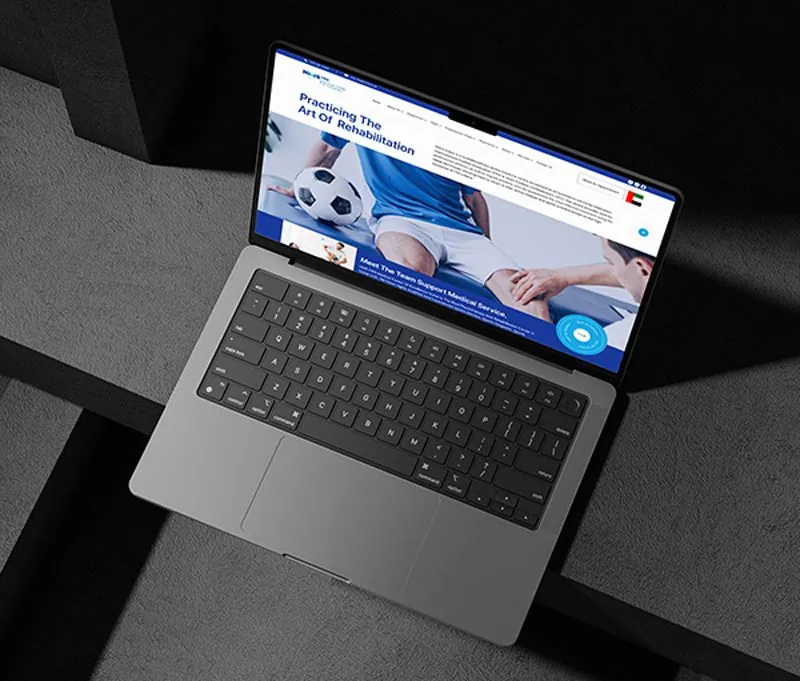
Website · Healthcare · Dubai
A Dubai rehabilitation and physiotherapy practice with one properly bilingual site in English and Arabic.
hmsfmce.com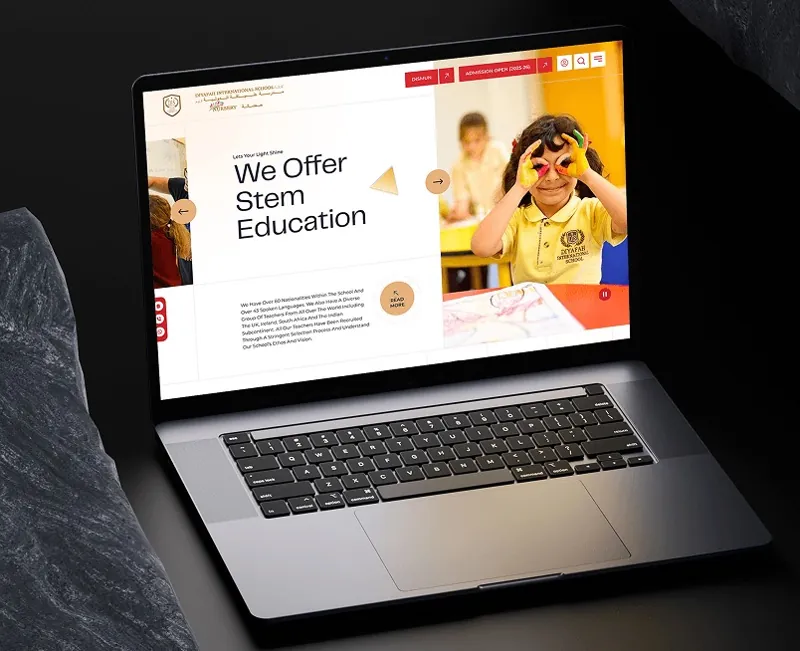
Website · Education · Dubai
One of Dubai's most diverse schools, 2,400+ students and 40+ nationalities, connected across campuses.
aldiyafah.com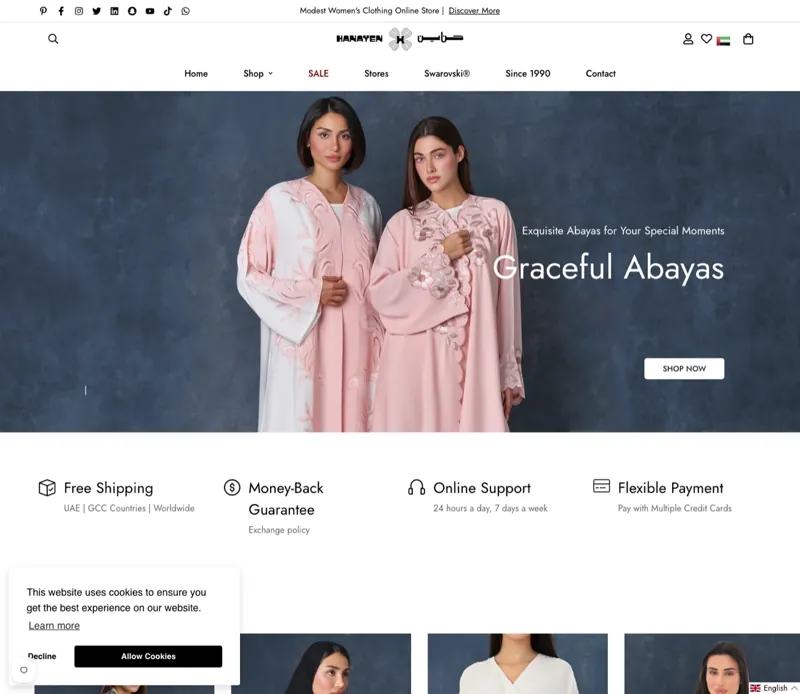
E-commerce · Fashion · Dubai
A Dubai luxury abaya house trading since 1990, carrying its craftsmanship into a quick mobile checkout.
hanayen.comFrom the blog

What well known sites such as GOV.UK, u.ae, RTA, Apple and Stripe get right, and how to turn those qualities into a brief.
Read the article
Registrar, DNS and hosting are three separate things. Here is which ones a UAE business should hold, and what the .ae rules say.
Read the article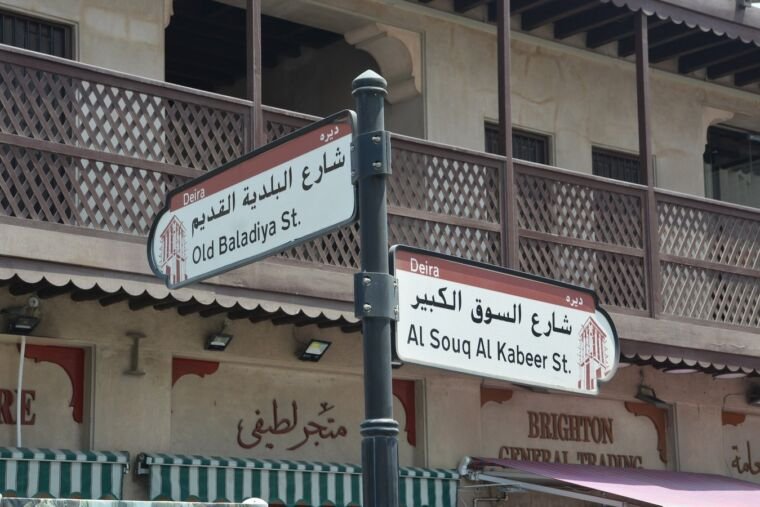
When a breadcrumb trail earns its place on a UAE website, and how to design, mark up and translate it properly.
Read the articleStraight answers
No, and that gap is the subject of this whole page. Mirroring gets the broad direction right, but numbers, mixed Latin text, icons that imply movement, form validation and even how a search engine indexes the page all need separate, deliberate decisions that a simple flip does not make.
Check whether phone numbers and reference codes read correctly inside Arabic sentences, whether icons like arrows are mirrored while ticks and warnings are not, whether the layout was built with logical CSS properties rather than a second left and right stylesheet, and whether Arabic and English sit on separate, properly linked URLs rather than one page swapping its text with a script.
Either. We can adapt existing English content into natural Arabic, or build the site to hold Arabic your own writer or translator provides, with a workflow that flags when a page's two language versions fall out of step with each other.
For marketing website copy, no. In the UAE, certified or sworn translation for contracts, court documents and government submissions must come from a translator licensed by the Ministry of Justice. A website's Arabic pages are ordinary commercial content and do not require that licence, though the writing still needs to be genuinely fluent, not a rough draft.
They can, provided the Arabic content is genuine and substantial, sits on its own indexable URL, and is linked to its English equivalent through hreflang. Google determines a page's language from its actual text, not from a lang attribute or a URL pattern, so thin or partially translated Arabic content will not rank as a real Arabic page even with the right technical setup around it.
It takes longer than an English only build, since Arabic typography, layout testing and content review are genuine extra work, not a checkbox. We scope Arabic as its own line item in the project plan rather than an assumed extra on top of the English timeline, and confirm the timeline in the written quote.
Sources
Fixed price, in writing
Got it. Your quote is being written now.
In business hours you will have it within 45 minutes. Check your inbox for the confirmation.