
Best website design examples, and what they get right for Dubai and UAE businesses
What well known sites such as GOV.UK, u.ae, RTA, Apple and Stripe get right, and how to turn those qualities into a brief.
Read the articleWeb Services
What an unsupported PHP version actually exposes a website to, the current supported versions on php.net, how to plan a PHP version upgrade, and what usually breaks along the way.
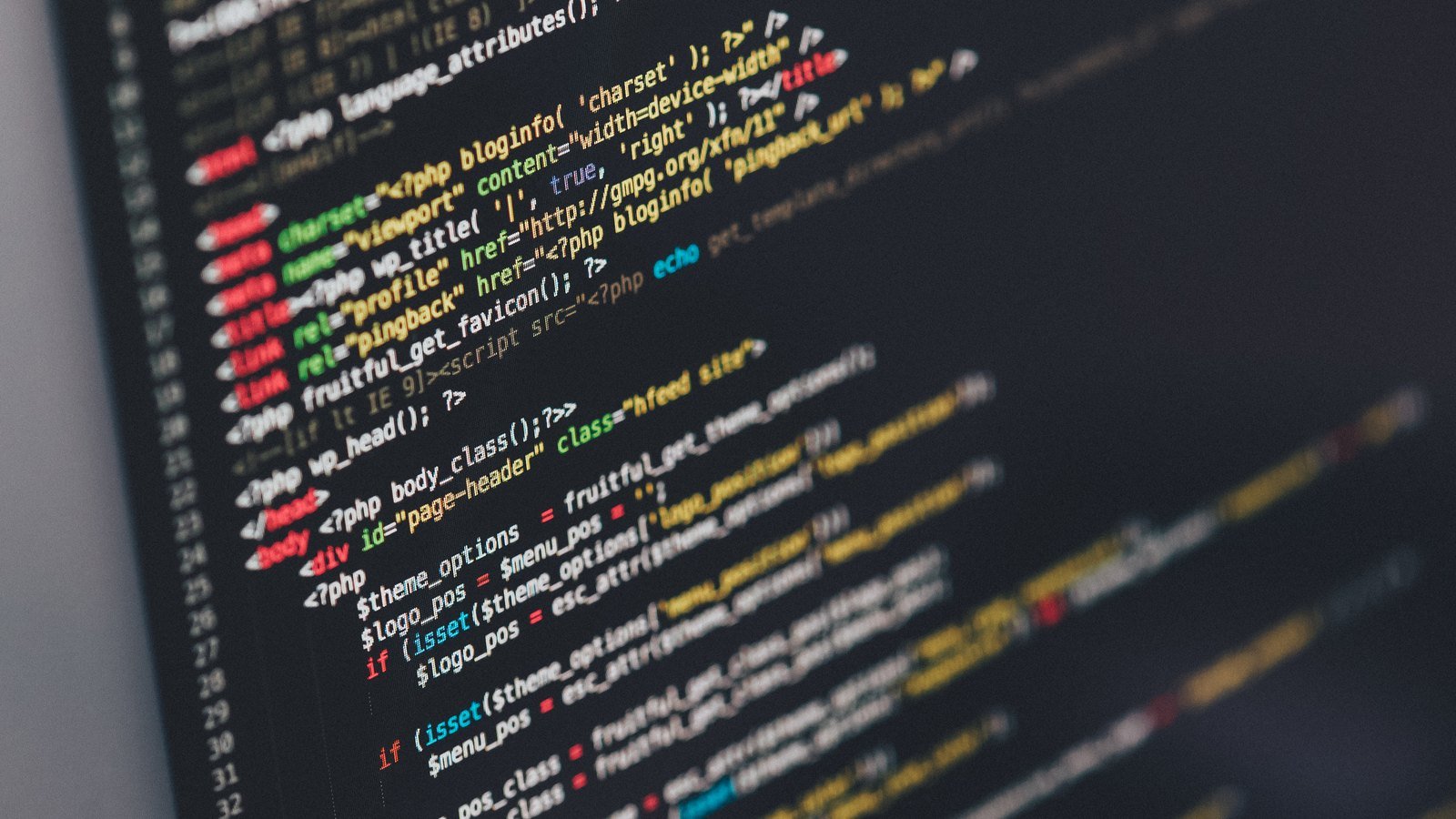
An old PHP version is a security and compatibility risk because php.net stops issuing patches for it once it reaches end of life, leaving any vulnerability discovered afterward with no official fix on that version. As of September 2026, php.net’s own supported versions page shows PHP 8.4 and PHP 8.5 in active support, PHP 8.2 and PHP 8.3 in security only support, and PHP 8.1 and earlier already at end of life. The practical answer is a planned upgrade, tested on a staging copy of the site first, because what usually breaks is deprecated function calls and outdated plugins, not the core language.
This guide sets out why an unsupported PHP version matters, the current supported versions according to php.net, how to plan the upgrade properly, and the specific things that tend to break along the way.
Key points
PHP powers the server side logic behind a large share of the web, including most WordPress, Laravel and other PHP built sites a Dubai business is likely to be running. Every PHP version follows a fixed support cycle set by the PHP project itself, moving from active support, where both bug fixes and security patches are issued, into a security only phase, and finally to end of life, where no further official patches of any kind are released.
Once a PHP version reaches end of life, the code does not stop running. That is exactly what makes it easy to overlook: the site looks and behaves the same the day after end of life as the day before. What has changed is that any security vulnerability discovered in that PHP version from that point onward has no official fix, leaving a website exposed for as long as it stays on that version, with the exposure growing rather than staying fixed as more issues are found and never patched.
According to php.net’s own supported versions page, as of September 2026 PHP 8.4 is in active support until the end of 2026 and PHP 8.5 is in active support until the end of 2027. PHP 8.2 and PHP 8.3 have moved into security only support, meaning they still receive patches for genuine security issues but not for other bugs. PHP 8.1 and PHP 8.0 have both already reached end of life, with no further official patches of any kind.
| Version | Status as of September 2026 | Support ends |
|---|---|---|
| PHP 8.5 | Active support | End of 2027 |
| PHP 8.4 | Active support | End of 2026 |
| PHP 8.3 | Security support only | End of 2027 |
| PHP 8.2 | Security support only | End of 2026 |
| PHP 8.1 and earlier | End of life | Already ended |
A website still running PHP 8.1 or earlier is on a version with no further security patches available from the PHP project, regardless of how well the site otherwise performs. A site on PHP 8.2 or PHP 8.3 is not in immediate danger but is on a clock, since both move out of security support within the next couple of years and a PHP version upgrade takes real planning rather than happening overnight.
A website does not announce that its PHP version has gone unsupported. It just quietly stops receiving the patch that would have closed the next vulnerability.
The core PHP language itself is rarely the main source of problems in a PHP version upgrade. The more common causes are deprecated function calls that newer PHP versions warn about, then eventually remove, stricter type handling in comparisons and function arguments that changed behaviour between major versions, and plugins, themes or custom libraries that were written against an older PHP version and never updated for compatibility with a newer one.
For a WordPress or Laravel site specifically, the platform’s core code is usually well maintained and compatible with current PHP versions, but individual plugins, themes and any custom code added over the years are not automatically compatible just because the platform is. Each of those needs checking as part of the upgrade, which is where most of the real work in a PHP version upgrade actually sits.
A PHP version upgrade planned ahead of a version reaching end of life is a controlled piece of maintenance. The same upgrade forced by a hosting provider dropping an old PHP version, or attempted only after a security incident, is a rushed piece of firefighting with far less room to test properly. The difference between the two outcomes is almost entirely a matter of timing.
Confirm the live PHP version against php.net’s own supported versions page, rather than assuming the hosting provider’s default is current.
List everything running on the site and check each for known compatibility with the target PHP version before the upgrade begins.
Run the upgraded PHP version on a staging copy of the site, working through every page, form and integration, and checking the error log for deprecation notices.
Update or replace anything the staging test flags, rather than pushing the upgrade live and fixing issues as users find them.
Set a reminder in line with php.net’s own support cycle, roughly every year or two, so the next PHP version upgrade is planned rather than reactive.
The most common mistake is treating a PHP version upgrade as something to deal with only once a hosting provider forces the issue, which removes the option of testing properly on a comfortable timeline. A second is upgrading the live site directly without a staging test first, which turns any compatibility problem into something users encounter in real time rather than something caught beforehand.
A third, specific to WordPress and similar platforms, is assuming that because the core platform supports a newer PHP version, every plugin and piece of custom code on the site does too. That assumption is exactly where most PHP upgrade problems actually originate, and it is worth checking directly rather than taking on faith.
A PHP version upgrade is often discussed purely as a security question, which undersells a genuine side benefit: each major PHP release has generally improved raw execution speed over the version before it, so a site moving from an old, end of life PHP version to a current one frequently runs faster on the same server without any other change. For a Dubai business watching page load time as part of its wider site performance, a PHP version upgrade is worth treating as a performance project as well as a security one, rather than filing it purely under maintenance.
This is not a reason to skip the testing step. A faster PHP version upgraded without checking plugin and custom code compatibility first can still break parts of a site, even while making the parts that do work noticeably quicker. The performance benefit is a reason to prioritise the upgrade sooner rather than a reason to rush it.
Our PHP development work covers auditing an existing site’s PHP version and dependencies, then planning and testing the upgrade on a staging copy before it reaches the live site. For Laravel specifically, our Laravel development service covers the same process within that framework’s own release cycle. Once a site is on a currently supported PHP version, our website maintenance plans keep it there, rather than letting it drift back toward end of life unnoticed.
For the wider routine a site needs beyond PHP itself, our monthly website maintenance checklist covers the other regular checks a Dubai business website benefits from alongside its PHP version.
Straight answers
As of September 2026, php.net's own supported versions page lists PHP 8.4 in active support until the end of 2026 and PHP 8.5 in active support until the end of 2027, with PHP 8.2 and PHP 8.3 in the security only phase. Versions before that, including PHP 8.1 and PHP 8.0, have reached end of life with no further official patches.
The PHP project stops issuing security patches for that version. The software keeps running exactly as before, but any vulnerability discovered afterward has no official fix, which is why an end of life PHP version is a live security exposure rather than a cosmetic issue.
Deprecated function calls, changed type handling in comparisons and function arguments, and outdated versions of plugins, themes or libraries that were never updated for newer PHP are the most common sources of breakage, more often than the core language itself.
Yes, and it should be. Running the site on a staging copy with the new PHP version, working through every page, form and integration, and checking the server's error log for deprecation notices before the change reaches the live site is the standard way to catch problems early.
Roughly in line with php.net's own support cycle, since each PHP version gets about two years of active support followed by a further year of security only support, so a realistic plan revisits the current version every year or two rather than waiting for a version to already be unsupported.
No. WordPress itself runs on a wide range of PHP versions, but individual plugins, themes and custom code on a WordPress site do not automatically become compatible with a newer PHP version, so each needs checking as part of the upgrade rather than assuming the CMS handles it.
Sources
Fixed price, in writing
Got it. Your quote is being written now.
In business hours you will have it within 45 minutes. Check your inbox for the confirmation.
Keep reading

What well known sites such as GOV.UK, u.ae, RTA, Apple and Stripe get right, and how to turn those qualities into a brief.
Read the article
Registrar, DNS and hosting are three separate things. Here is which ones a UAE business should hold, and what the .ae rules say.
Read the article
When a breadcrumb trail earns its place on a UAE website, and how to design, mark up and translate it properly.
Read the article