
Best website design examples, and what they get right for Dubai and UAE businesses
What well known sites such as GOV.UK, u.ae, RTA, Apple and Stripe get right, and how to turn those qualities into a brief.
Read the articleWeb Services
Cloud API against a plain click to chat link, message templates and approval, opt in, the 24 hour customer service window, and handing a conversation over to a person, for a UAE business building WhatsApp into its own site.
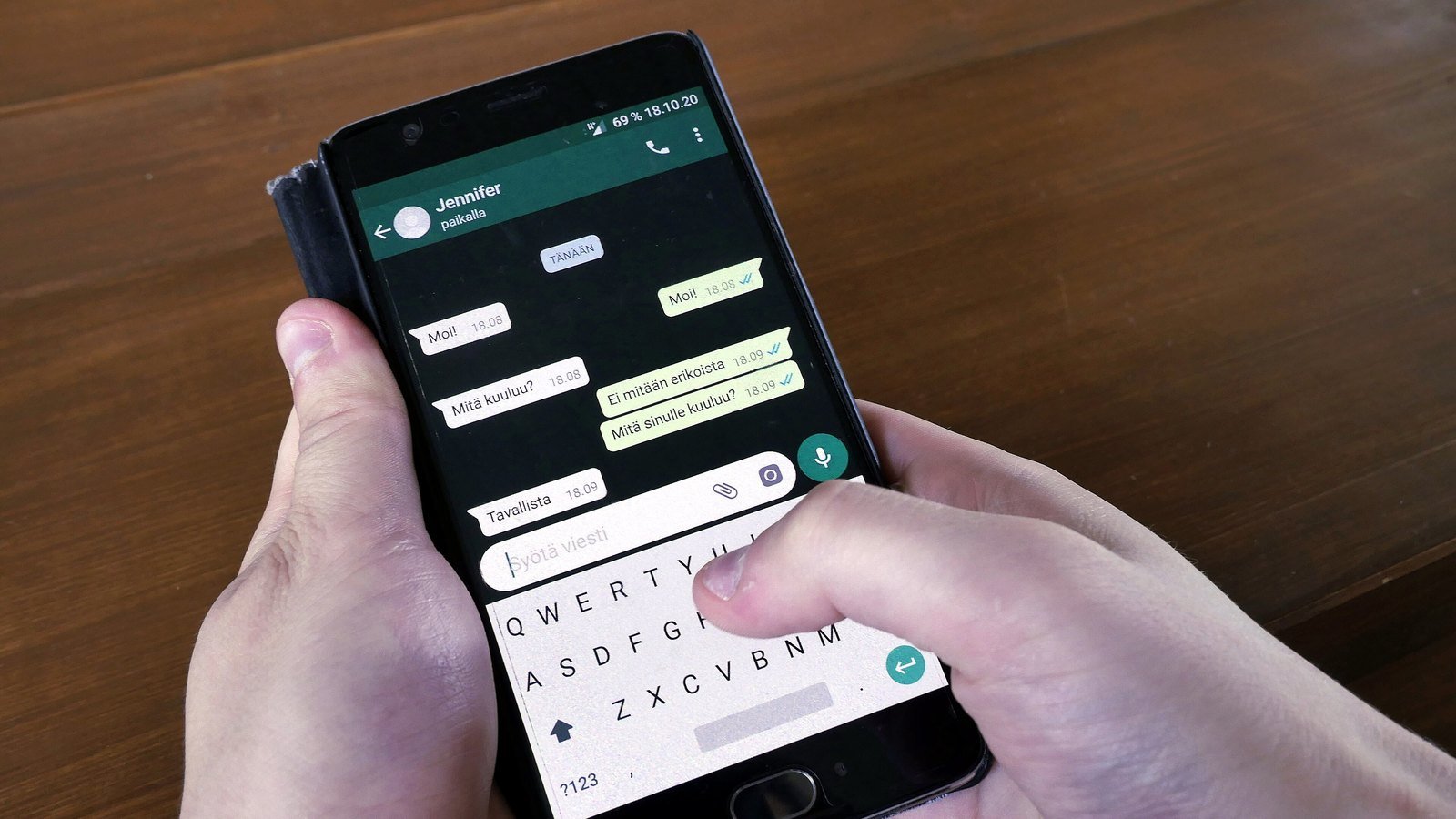
Putting the WhatsApp Business API on a website properly means choosing between a simple click to chat link and Meta’s Cloud API, building message templates that are approved before they can be sent to someone outside an active chat, collecting real opt in rather than assuming a saved number means consent, and designing for the 24 hour customer service window that governs when a free form reply is even allowed. Get the architecture right and WhatsApp becomes another channel your CRM and support team can actually work from. Get it wrong and a business ends up with a widget that looks like WhatsApp but cannot do most of what WhatsApp Business is built for.
This guide is a build focused look at WhatsApp Business API integration for a UAE business: what Cloud API actually is compared with a click to chat link, how message templates and approval work, what opt in means for a website form rather than a marketing list, how the 24 hour window shapes what your website can send and when, and how to hand a conversation over to a person without losing the thread.
Key points
The simplest way to put WhatsApp on a website is a plain link, in the form wa.me/yournumber, sometimes with a prefilled message added to the address. A visitor clicks it, WhatsApp opens with your number already in the chat, and the conversation happens exactly like any other WhatsApp chat, in the regular WhatsApp or WhatsApp Business app on someone’s phone. It needs no development work beyond adding a link or a button, and it is a genuinely good fit for a small business happy to reply from a phone.
The WhatsApp Business API, which Meta now documents as the Cloud API, is a different kind of product. Meta’s own overview describes it as enabling programmatic messaging at scale, connecting WhatsApp to software rather than to a single phone. Instead of a person reading a chat inside the WhatsApp app, messages arrive at your own system through a webhook, and your CRM, helpdesk or booking tool can read them, route them, and reply, either automatically or through an agent working from that same system rather than a phone.
The choice is really a question of scale and integration, not of quality. A café taking table enquiries has no obvious reason to build a webhook. A business logging every enquiry into a CRM, routing it to the right team and reporting on response times needs the API precisely because a click to chat link has no way to feed data anywhere except a phone screen.
Behind the button on a website, a working WhatsApp Business API integration has a few consistent parts.
A business solution provider, one of Meta’s approved partners, typically hosts the technical parts of this stack and hands a business a simpler interface, which is the practical route for a company without its own development team to run a webhook directly.
A message template is a pre written message with placeholders, submitted to Meta before it can be used. Meta’s own developer documentation states that templates generally require approval before you can send them, and that templates are also assigned a quality score and are subject to messaging limits once approved. Templates exist for one specific reason: they are, in Meta’s own words, the only type of message that can be sent to a WhatsApp user outside of an open customer service window.
For a website integration, this matters immediately. If your website wants to send a booking confirmation, an order update, or a follow up after someone abandons a form, and the visitor is not actively chatting with you at that moment, it has to be sent as an approved template, not as a free form message written on the fly. That single rule shapes most of the technical design of a WhatsApp Business API integration, because every message a website might want to send outside a live chat has to exist as a template someone wrote and Meta approved in advance.
Templates are also categorised, and the category affects both what content is allowed and how the message is billed. Meta’s template categorisation documentation sets out marketing, utility and authentication categories, and a template that mixes an order update with a promotional offer is treated as marketing rather than utility. A website integration sending order confirmations, appointment reminders or one time passcodes should keep those templates strictly utility or authentication, not blend in promotional content, to avoid the template being recategorised.
Outside an open conversation, the WhatsApp Business API will only say what Meta has already approved it to say.
A WhatsApp Business API integration on a website usually starts with a form: a booking request, a quote request, a checkout step offering WhatsApp updates. Whatever the form, Meta’s guidance on opt in sets the same requirements that apply anywhere else on the platform, stating clearly that the person is opting in to receive communication from the business, naming the business, and complying with applicable law. A phone number typed into a checkout field for delivery purposes is not automatically an opt in to receive WhatsApp messages about anything else.
The practical fix is straightforward: add an explicit, separate checkbox or statement next to any WhatsApp field on a website form, naming what the visitor will receive over WhatsApp as a result, and store that consent record alongside the number, not just the number on its own. A UAE business’s own WhatsApp marketing rules obligations, including the UAE’s telemarketing and data protection law, apply on top of this and go well beyond what a technical integration alone can satisfy, so treat opt in as a compliance question as much as a form design question.
When a visitor messages your business on WhatsApp, whether from a click to chat link or through the API, a 24 hour customer service window opens. Meta’s documentation on WhatsApp Business Platform pricing describes this directly: within that window, non template messages can be sent freely, and the window resets every time the customer sends another message. Once 24 hours pass since the visitor’s last message, only an approved template can reach them again.
For a website integration, this window decides what your system is allowed to do at any given moment. A live chat widget replying instantly to an open conversation is working entirely inside the window. A system that wants to follow up on an abandoned enquiry two days later has left the window and needs an approved template to do it, which is a very different technical and content decision than replying to an active chat. Designing the integration without this distinction in mind is one of the more common reasons a WhatsApp Business API project stalls after the demo works but before real messages start moving.
Inside the customer service window, a business can build genuinely useful automation: answering common questions, collecting the details needed before a human replies, or routing a conversation to the right team based on what the visitor typed. None of that is a problem on its own. The problem is a WhatsApp Business API integration that never lets a real question reach a real person.
A working handover needs, at minimum, a clear way for a visitor to ask for a person directly, a system that recognises when a bot script has genuinely run out of useful answers rather than looping the same menu, and a route into whatever tool your team actually works from, whether that is a shared inbox, a helpdesk or a CRM. Building the handover in at the design stage is far simpler than retrofitting it once a bot has already frustrated a customer, and it is also the difference between a WhatsApp Business API integration people trust and one they abandon.
Base it on whether conversations need to reach a CRM, helpdesk or bot, not on which sounds more advanced.
A provider suits most businesses without an in house team maintaining a webhook; a direct build suits one that already runs its own backend infrastructure.
Keep utility and marketing content in separate templates, and submit them for approval before the launch date, not the week of it.
Name what the visitor will receive, and store the consent record with the number.
Decide how and when a conversation reaches a person, then build the automation around that handover rather than the other way round.
Our WhatsApp API integration service builds this connection into your website, CRM or helpdesk, with templates, opt in and the handover to a person designed in from the start rather than bolted on afterwards. It pairs with our wider website development work when the integration is part of a new build, and with API and integration support when WhatsApp needs to connect to systems beyond the website itself. If your business also runs WhatsApp promotions, read our separate guide to WhatsApp marketing rules in the UAE, which covers Meta’s opt in and template rules from the marketing and legal side rather than the technical build covered here.
Straight answers
A click to chat link is enough for a business that wants a simple way for visitors to start a conversation and is happy to answer manually inside the regular WhatsApp app. The WhatsApp Business API is for a business that wants that conversation to flow into a CRM, helpdesk or bot, or that needs to send messages such as order updates at scale.
Only through an approved message template, and Meta's policy still requires opt in that names the business and confirms the person wants to hear from it. A website cannot open a free form WhatsApp conversation on its own initiative.
Meta reviews templates so that businesses are not sending arbitrary content to people outside an open conversation. Meta's own developer documentation states that templates generally require approval before they can be used, and each approved template is also assigned a category that affects how and when it can be sent.
The customer service window closes. Meta's documentation on the WhatsApp Business Platform states that free form messages can only be sent within an open window, so once 24 hours pass since the customer's last message, only an approved template can restart the conversation.
No. Automation is useful for routine questions, but a WhatsApp integration built without a clear, working handover to a person leaves genuine queries stuck in a menu. Build the escalation path in from the start, not as a fix once customers complain.
Sources
Fixed price, in writing
Got it. Your quote is being written now.
In business hours you will have it within 45 minutes. Check your inbox for the confirmation.
Keep reading

What well known sites such as GOV.UK, u.ae, RTA, Apple and Stripe get right, and how to turn those qualities into a brief.
Read the article
Registrar, DNS and hosting are three separate things. Here is which ones a UAE business should hold, and what the .ae rules say.
Read the article
When a breadcrumb trail earns its place on a UAE website, and how to design, mark up and translate it properly.
Read the article