
Business stationery in Dubai: what the set actually needs to contain
Which stationery pieces a UAE company actually uses, what a tax invoice and a letterhead must carry, and what belongs on a company stamp.
Read the articlePrint and Stationery Design
What print ready files actually need to contain, which PDF/X standard to export, and the checks that stop a UAE print run coming back wrong.
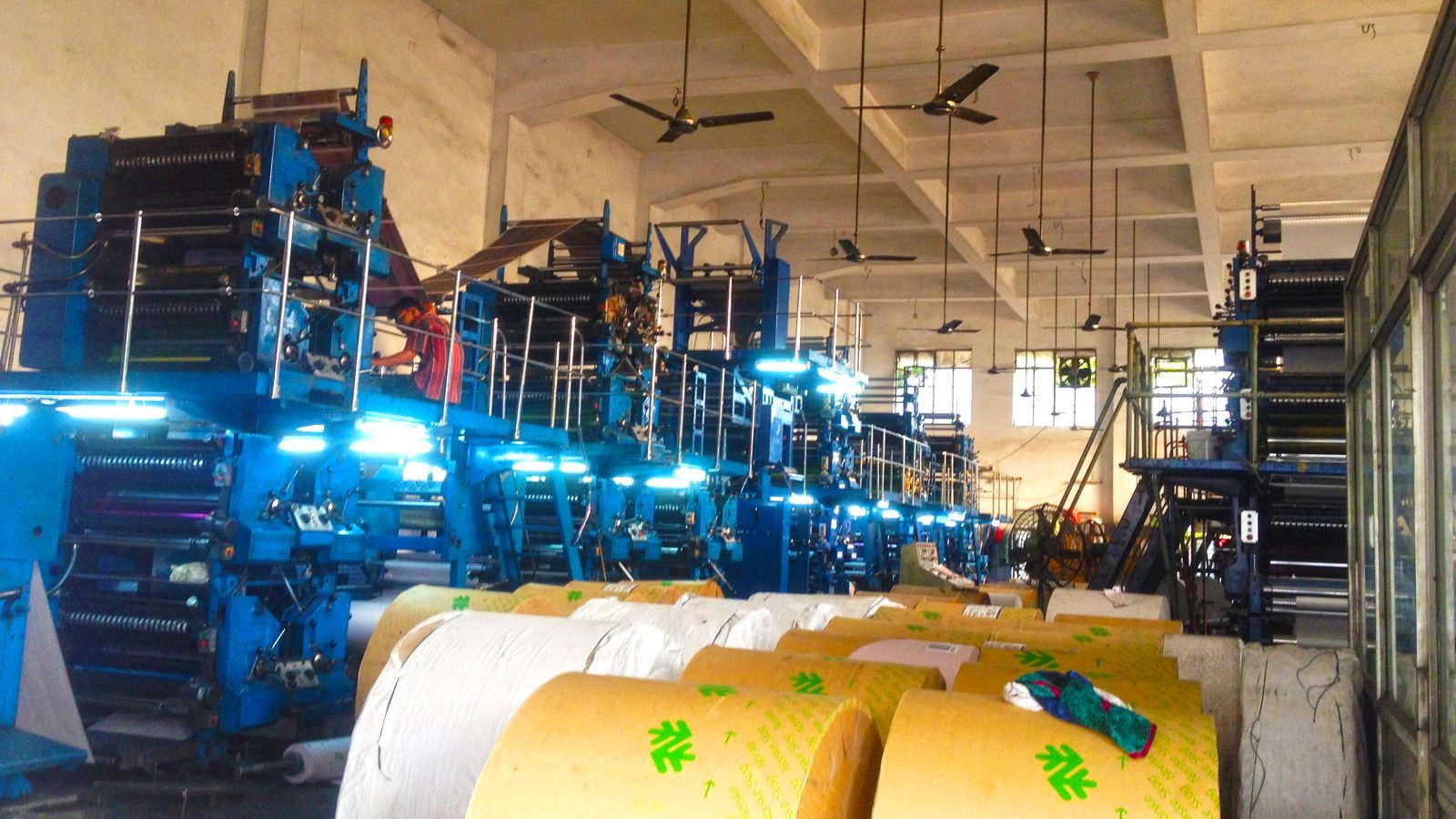
Print ready files are artwork files a printer can put straight onto a press without rebuilding anything: the right trimmed size with bleed, colour prepared for the printing method, fonts and images embedded, special finishes on their own layers, and everything exported to a PDF standard the printer accepts. In Dubai and across the UAE, the fastest way to get there is to ask your printer for their specification before design starts, not after.
This checklist goes through what to ask, which settings matter, and the final checks worth doing yourself before you press send.
Key points
For a designer, a file is finished when it looks right. For a prepress operator it is finished when nothing needs guessing. Every question they have to email you about, from missing bleed to an image they cannot find, adds a day and a chance of error. A common problem we see in the UAE is artwork approved on a phone screen, exported with default settings and sent to a printer who then quietly “fixes” it, with results nobody signed off.
Print ready is therefore less about a single setting and more about a file that carries its own instructions. The sections below follow the order in which those instructions are usually decided.
Presses, digital machines, sign printers and packaging converters each have their own limits. Ask for these answers in writing and keep them in the project folder.
If you do not have a printer yet, design to a conservative specification and expect minor adjustments once one is chosen. Most flat pieces, like those covered on our flyer design page, adapt easily. Folded and die cut work does not, so choose the printer first for those.
PDF/X is not one format but a series of international standards published as ISO 15930, each part defining a set of rules for exchanging print data as PDF. Printers ask for them by name because a conforming file removes whole categories of problems, such as missing fonts or unknown colour intent, which is exactly what turns artwork into true print ready files.
| Standard | What ISO says it covers | When printers ask for it |
|---|---|---|
| PDF/X-1a (ISO 15930-4:2003) | Complete exchange of printing data using PDF 1.4, with CMYK and spot colour data in any combination | Older or conservative workflows that want every colour already converted to CMYK or spot |
| PDF/X-4 (ISO 15930-7:2010) | PDF 1.6 with all elements for final reproduction in the file; supports colour managed, CMYK, grey, RGB and spot data, PDF transparency and optional content | Most current commercial workflows, especially artwork with live transparency or layers |
| PDF/X-4p (ISO 15930-7:2010) | As PDF/X-4, but the required ICC profile is supplied externally and unambiguously identified | Workflows where printer and designer already share a known, named profile |
| PDF/X-6 (ISO 15930-9:2020) | Complete and partial exchange of print data using PDF 2.0 | Newer workflows; confirm the printer’s software supports it before exporting |
If the printer names a standard and a profile, export exactly that. If they only say “high quality PDF”, ask again. A PDF/X-4 file with transparency sent to a workflow expecting PDF/X-1a can flatten differently from what you saw on screen, most visibly in drop shadows and overlapping semi transparent shapes.
Screens show colour in RGB; four colour presses print cyan, magenta, yellow and black. Some bright RGB greens, blues and oranges cannot be reproduced in CMYK at all, which is why a brand colour that glows on Instagram can look dull on a flyer. For offset printing, ISO 12647-2 specifies process parameters and values for colour separations, proofs and production prints on four colour sheet fed and web fed presses, and it states that it also applies to printing on cardboard for packaging. Printers often supply a colour profile based on that family of standards. Note that the ISO page lists the 2013 edition as due for revision, so ask which characterisation your printer actually uses.
Where a brand colour is central to recognition, a spot colour or a hard proof is worth the extra step. Our brand identity design work sets print values for each colour at the start, so they do not need to be reinvented piece by piece.
Images need enough pixels at the size they are printed, not the size they were supplied. A photo that is sharp in a website header can be too small once it fills an A4 page. Your printer will state a minimum effective resolution; check it against each image at its placed scale rather than the file’s nominal settings. Images taken from websites and social media are the usual culprits, along with logos pasted as screenshots instead of vector files.
Fonts must be embedded in the PDF so the printer’s system never substitutes its own. Arabic deserves an extra check. The W3C Arabic and Persian Layout Requirements explain that Arabic letters take different joining forms depending on their position in a word. If the layout application or the export handles shaping badly, the PDF can contain disconnected letters or reversed words that looked fine in the design view. Open the exported file, zoom into every Arabic line, and compare it with the approved copy. Pay particular attention to lines that mix Arabic with numbers or Latin words, since the direction of mixed runs can change on export, a common failure point in print ready files.
Most office and marketing print in the UAE uses the ISO 216 A series, which ISO 216:2007 defines as trimmed sizes for writing paper and certain printed matter such as forms and catalogues. The same standard specifies how to indicate machine direction on trimmed sheets, which matters for folding: ask the printer about grain direction on heavier stock so folds do not crack. Posters, books and special items may fall outside ISO 216, so confirm custom sizes in millimetres.
Build the document at the trimmed size and add bleed in the export settings instead of enlarging the page, so the printer’s imposition software reads the trim box correctly. Keep crop marks outside the bleed area, offset as the printer asks, which is standard practice for print ready files.
Finishes are where files most often go wrong. Foil, spot UV varnish, embossing, white ink on clear or kraft materials, and die cut shapes are not colours to the press: each is a separate plate, screen or tool. Supply each on its own clearly named layer or as a named spot colour set to overprint, exactly as the printer specifies, and include a flattened preview so everyone agrees where the effect sits. Packaging pieces add a dieline from the manufacturer, which our packaging design page discusses in more depth.
A proof is the last point where a change costs little. Treat it as a separate check from design approval, done by someone who did not lay out the file, the last safeguard before print ready files go to press.
Approving a design and approving a proof are two different jobs. Only the second one protects the print run.
Standards details are taken from the ISO catalogue pages for ISO 15930-4, 15930-7, 15930-9, 12647-2 and 216, read on 14 September 2026. The standards themselves are sold by ISO; your printer’s own specification always takes priority for a specific job.
We design print pieces and hand over print ready files built to the specification of the printer you choose; we do not print in house. If you already have artwork that keeps coming back from the printer, we can check and rebuild it. Every format we work on is listed on the print design hub, including brochure design and business card design. Restaurants preparing a menu reprint may also want our guide to VAT inclusive prices on UAE menus. Share your printer’s specification with your brief and we will reply with a written fixed price proposal within 45 minutes during business hours.
Straight answers
Some print shops accept them, but you lose control over fonts, colour conversion and trim. The printer has to rebuild or convert the file, and Arabic text is especially likely to change. A PDF exported to the printer's chosen standard is far safer.
It can be, if the export includes bleed, crop marks and embedded fonts, and the printer accepts its colour handling. Many online tools export RGB PDFs, so ask the printer whether they convert colour for you and request a proof before the full run.
A screen emits light in RGB, while a press lays down ink on paper, and paper type changes the result further. Matching is managed through colour profiles and a proof on the real stock. A calibrated screen helps, but the signed proof is the reference.
Embedding fonts in a PDF/X file is normally enough and keeps text searchable. Outlining is sometimes requested for logos, signage or when a supplier works in software that cannot read embedded fonts. Keep an unoutlined master either way, because outlined text cannot be edited.
That depends on your agreement with the printer, but most treat a signed proof as your approval of content and layout. That is why checking the proof line by line matters more than checking the design file. Keep the signed proof with the order.
Sources
Fixed price, in writing
Got it. Your quote is being written now.
In business hours you will have it within 45 minutes. Check your inbox for the confirmation.
Keep reading
Which stationery pieces a UAE company actually uses, what a tax invoice and a letterhead must carry, and what belongs on a company stamp.
Read the article
What UAE VAT law and the Consumer Protection Law mean for the prices printed on your restaurant menu, and how to lay them out.
Read the article
Which single use items Dubai has banned, what is still exempt as of September 2026, and how new materials change your packaging artwork.
Read the article